The Details:
🌟 When: March 3-5, 2026, 10 AM - 5 PM ET (March 3 = Workshop Day, March 4-5 = General Conference)
🌟 Where: Attendee Hub
🌟 What: A 3-Day Online Conference for Higher Ed Web Teams, Marketing Teams, & Admins
🌟 Who: Our valued 2026 Cascade User Conference Attendees
You made it! It's finally here! The online 2026 Cascade User Conference begins next week, on Tuesday, March 3, 2026, at 10 AM (ET), and will go until Thursday, March 5, 2026, at roughly 5 O'clock!
We have some amazing sessions lined up for you. Here are some important details that will help you and your team get the most out of CUC26 this year!
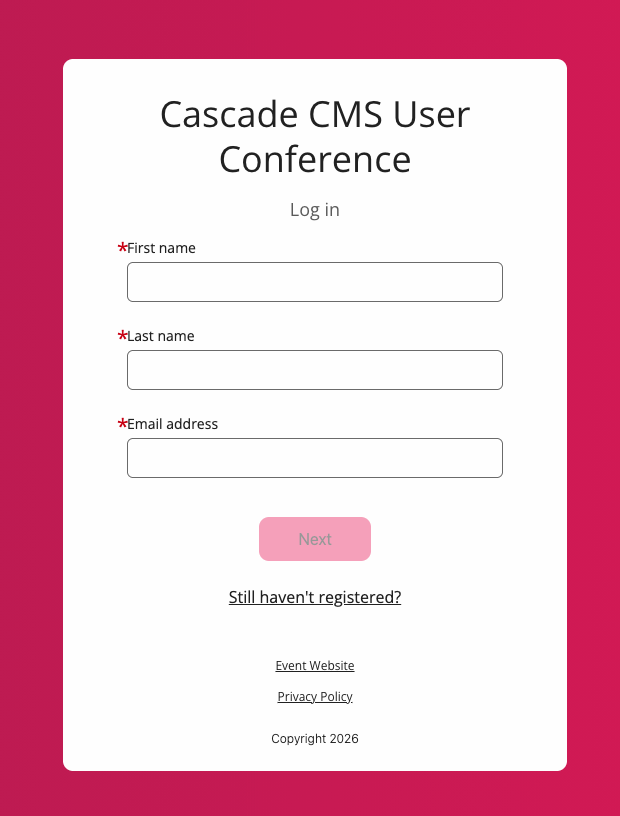
Q - How do I browse different sessions or add sessions to My Schedule?
A - You may find the schedule by navigating to "All Sessions" in Attendee Hub, at the top navigation bar.
Note: The Registration page you used to register and the Attendee Hub are two separate sites. Keep in mind, Attendee Hub is where the conference actually takes place.

Q - What are "Breakout Sessions" and when do they happen?
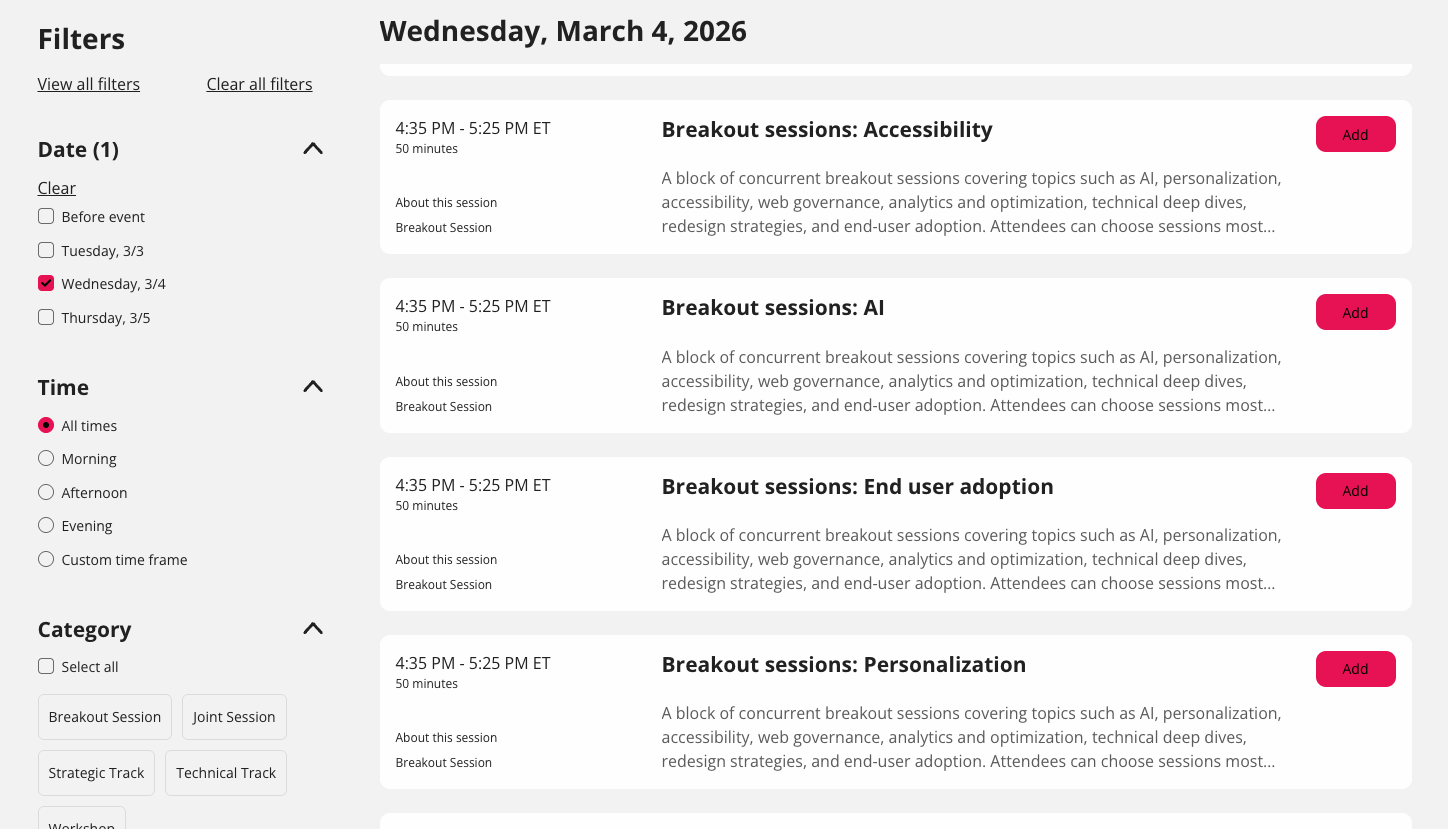
A - Breakout Sessions are special sessions that allow our Attendees to network with other Attendees who share an interest in a common topic. Breakout Sessions allow you to interact on-camera with other Attendees and will be moderated by a Hannon Hill team member.
Breakout Sessions occur on March 4, 2026, from 4:35 PM (ET) to -5:35 PM (ET). Here are this year's Breakout topics:
Q - Why can't I join the Workshops "Web Services Essentials" or "Cascade Dev. Essentials?"
A - Workshops are special all-day trainings that only occur on March 3, 2026, and kick off the first official day of the conference. Only those who have purchased a Workshop ticket may enter these sessions.
Note: Capacity for Workshops is limited, and tickets may not be available after Friday, Feb. 27, 2026.
Q - Can I replay or download sessions I attend?
A - Yes and no. On-demand recordings of sessions will be available in the All Sessions menu immediately after a session ends. It will be available for up to 48 hours after the conference ends, but videos cannot be downloaded locally to your drive. Sessions videos will be available on Wistia.com for 60-90 days after the conference ends for conference attendees. Keep an eye out for announcements in our Bi-Weekly Newsletter.
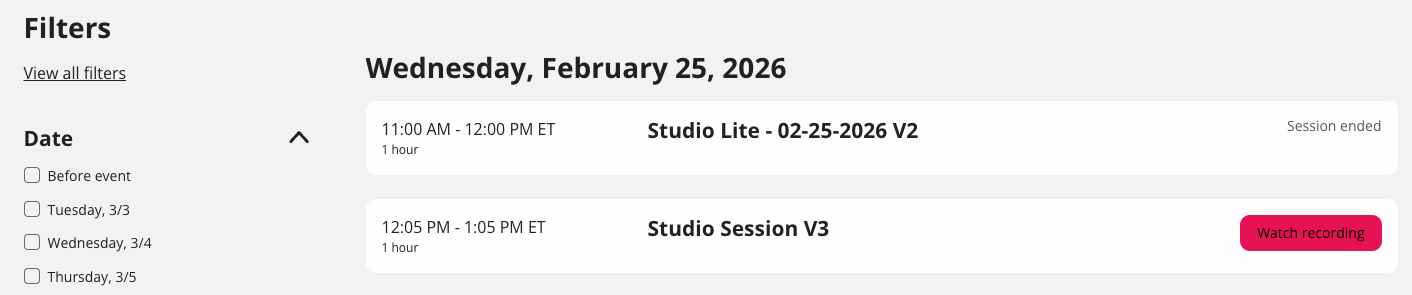
Q - I want to attend a different session from the one I am currently in. Can I leave this session?
A - Attendees may move freely in and out of sessions at all times. Workshop sessions are the only exception to this.
Q - Workshops and Breakout Sessions are prompting me to open Zoom, is that normal?
A - Yes! Workshops and Breakout Sessions are powered by Zoom to create a more collaborative environment. We want you to be comfortable speaking, sharing the stage, and asking questions during these special sessions!
Attendee Hub is where the 2026 Cascade User Conference will take place.
Attendee Hub is where Speakers, Attendees, and your CUC26 Sponsors will navigate to experience the conference and interact with you and each other! This is where the magic takes place.
In Attendee Hub, you can also see Sponsor & Speaker profiles, session names, and how many people are attending each session! We even highlighted some notable sessions we think you should attend as Featured Sessions.
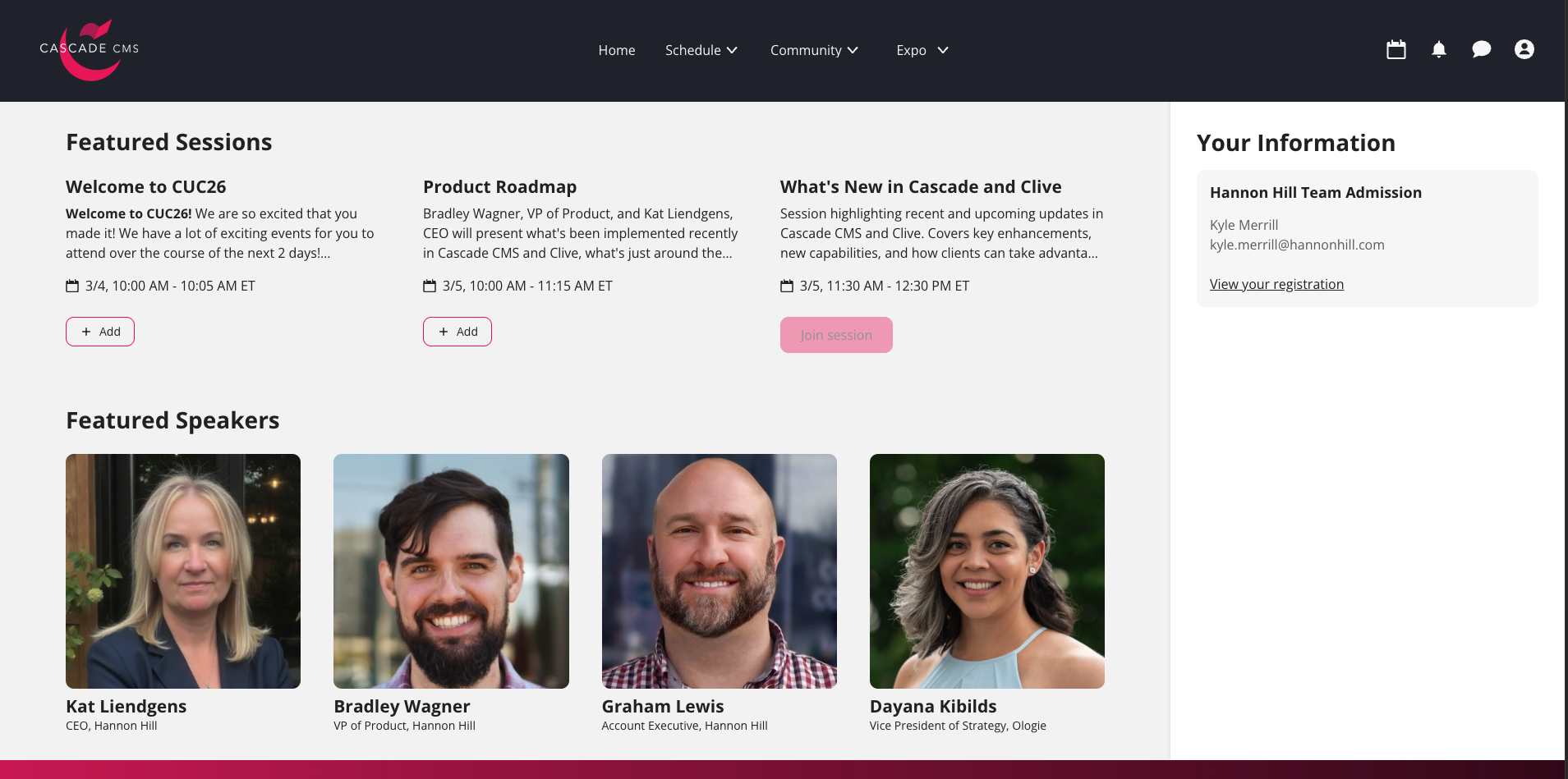
The moment you log in to Attendee Hub, the conference recognizes your registration and displays sessions aligned with your registration level.
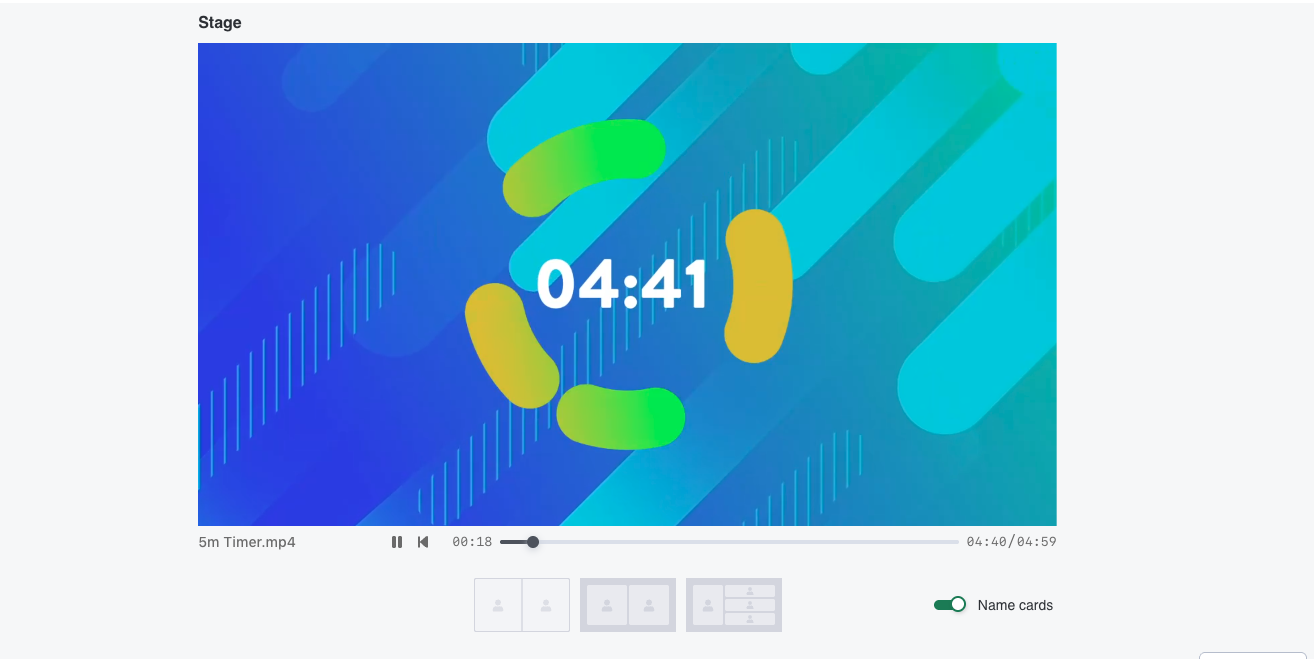
If you join a session that is still being prepared, you may see on-screen countdowns or advertisements from our Sponsors.
If possible, we recommend arriving no more than 5 minutes early for a session.
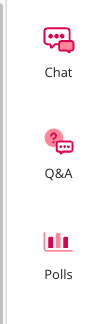
Once you have joined a session and the presentation begins, the Chat and Q&A menu will also appear to the right of the stage.
Below is a preview of what the stage will look like for you and other Attendees.
Relax, and enjoy the show!
Feel free to chat with your Speakers or other Attendees by using the room chat (shown below). This will not disrupt the presentation. You may even add formal questions to the Q&A box shown on the right of the stage. They will be answered after the presentation ends.
We hope you enjoyed the show! Each session's Speaker(s) will join the stage, along with a Hannon Hill Moderator, and open the session to Q&A. This can last anywhere from 5 to 15 minutes.
During the conference, please reach out to conference@hannonhill.com for any technical questions.
If you have any issues logging in or finding your session, please let us know as soon as possible.
We're excited to kick off the 2026 Cascade User Conference with you next week! On behalf of the Hannon Hill team, we want to thank you for joining the rest of the higher ed community and us this year.
See you March 3-5, 2026!
To learn more about how Cascade CMS and Clive Web Personalization can help your institution reach more students than ever before, reach out to our team.
Last Updated: Feb 26, 2026 9:00 AM