Asset Display Options
Cascade CMS provides options to control how asset links are displayed throughout the interface.
Overview
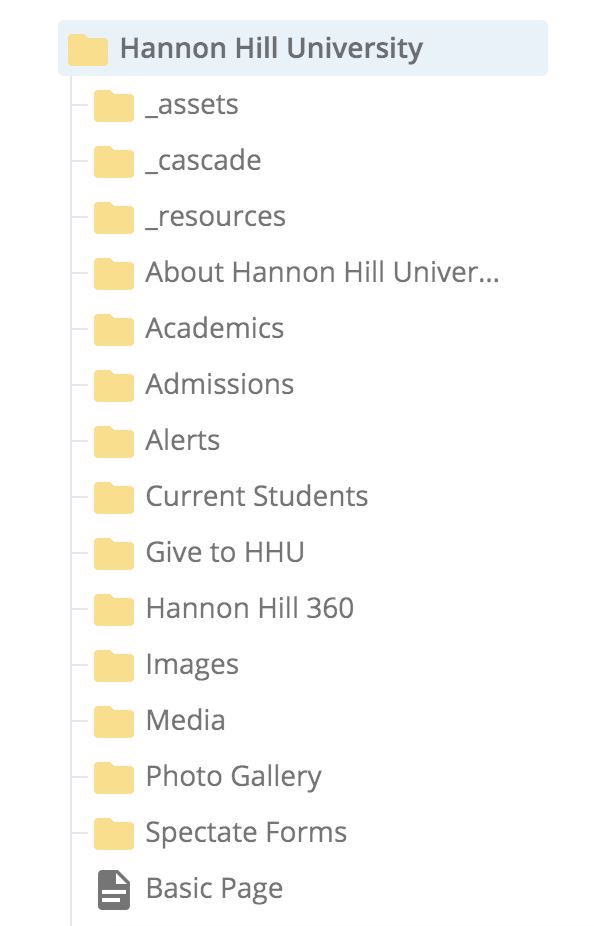
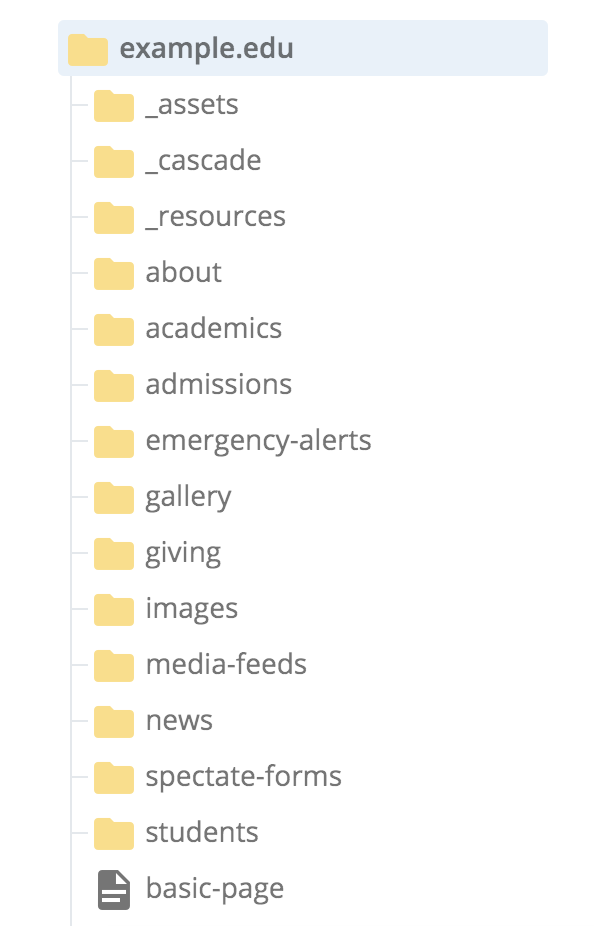
Cascade CMS provides two options to display asset links: by their system name or by their Title or Display Name.
By default, if a folder, page, or file has a Title or Display Name metadata field filled out, it will appear on all asset links throughout your Cascade CMS environment. It is important to note that the formal paths and published filenames are different from what is shown in Cascade CMS with this display method.
For example, both sets of folders may have the same contents. When the site is published, users will see a web URL of http://www.example.edu/about or http://www.example.edu/gallery instead of the corresponding Title/Display Name fields "About Hannon Hill University" or "Photo Gallery".
Tip
Mouse over any asset name in the Site Content display area to see its full path (system name and path relative to the site's root directory).
Toggling asset display options
Asset links are displayed by their Title or Display Name by default, but this can be toggled in favor of displaying the asset's system name.

At the user level
- Click on your User icon in the upper right-hand corner and then click Settings.
- Under Appearance of Asset Links, toggle the Show asset's Title or Display Name if available option.
At the system level
- Navigate to Administration > Preferences > Content > Assets.
- Under Appearance of Asset Links, toggle the Show asset's Title or Display Name if available option.
Disabling the Title/Display Name option at the system level will override the existing user preference for displaying asset links if a user has not saved that preference.