Reports
Cascade CMS includes a set of reports for monitoring user activity and keeping track of the content in your sites.
Overview
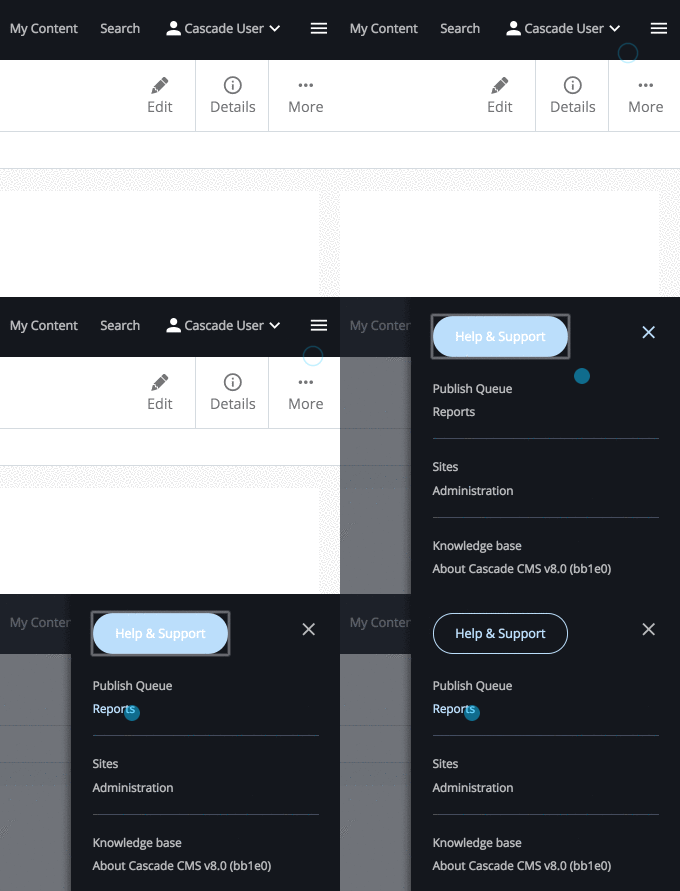
To open the reports area, click the system menu button and choose Reports.
User reports
- Active Users — Who is logged in right now, what they last viewed, and when they last acted. Lets you force a logout.
- User Activity — Usage statistics per user: creates, edits, publishes, deletes, and logins.
- Background Tasks — Completed and running system tasks.
Content reports
- Content Inventory — A full overview of a site's assets, filterable by type, publish status, and owner. Also where you assign ownership and schedule review dates in bulk.
- Content Ownership — Assets grouped by the user who owns them.
- Content Reviews — Assets with upcoming or past-due review dates.
- Stale Content — Assets not modified within a period you choose.
- Suggested Unused Assets — Assets nothing else links to or chooses.
Quality reports
- Broken Links — Results of the scheduled Link Checker, with tools to mark links fixed or ignored.
- Accessibility — WCAG 2.0 Level A–AAA issues across a site, from a weekly scan of rendered content.
Workflow reports
- Workflows — In-progress and completed workflows across the sites you can access.
Some reports need enabling first
The Broken Links and Accessibility reports run on a schedule that has to be switched on in System Preferences, then enabled per site. Until that happens they have nothing to show.