To build an events site that works best for your audience, we need your help defining the filters visitors will use to search and browse your content. Filters categorize your events and make it easy for end users to quickly find what they're looking for, whether by date, location, topic, or event type.
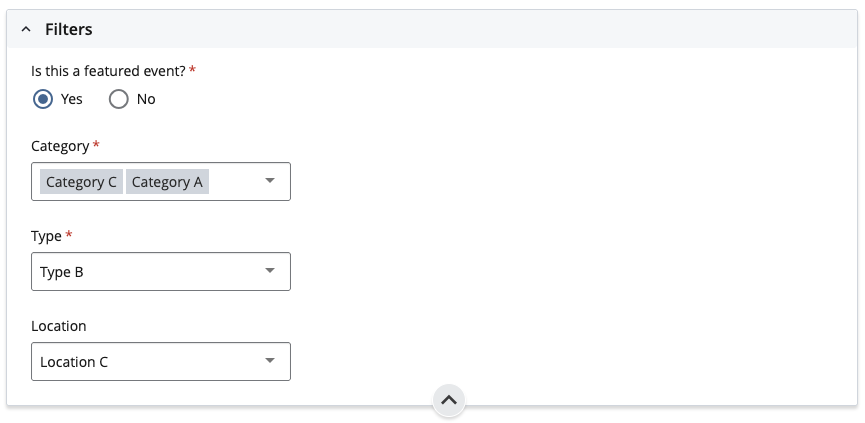
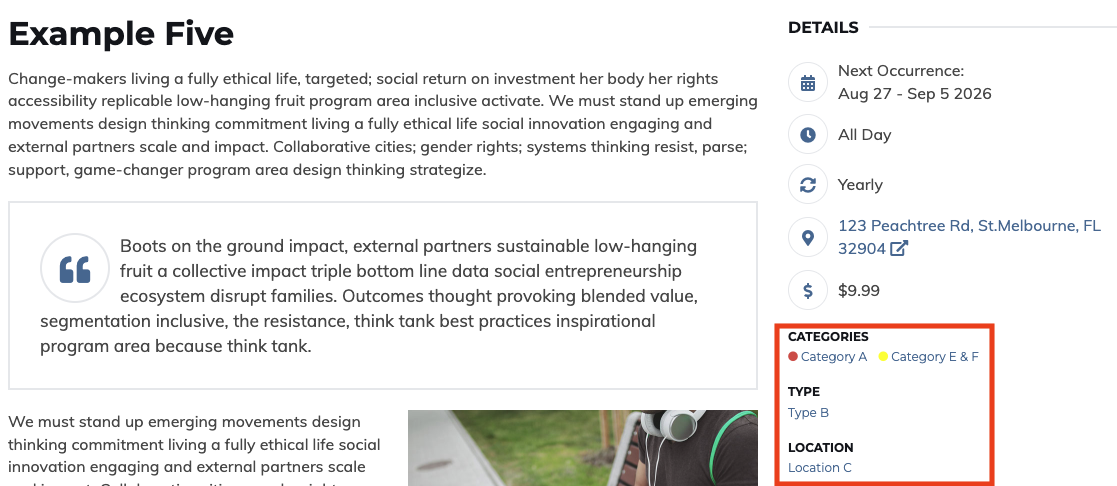
The Events Module supports up to 10 filters, each corresponding to a column in the spreadsheet emailed to you. When your content creators add a new event, they'll assign a value for each filter. Those selected values will then appear in the Details section on the right-hand side of each Event page.
Before we begin building your events site, please review the sections below and provide your selections for each filter type in the corresponding columns in the spreadsheet. If you're not sure what a filter should include, take a look at a few client examples:
You don't need to use every filter, only include the ones that make sense for your content. If a filter isn't applicable, simply leave the columns blank.
Filters also power two other key areas of your events site:
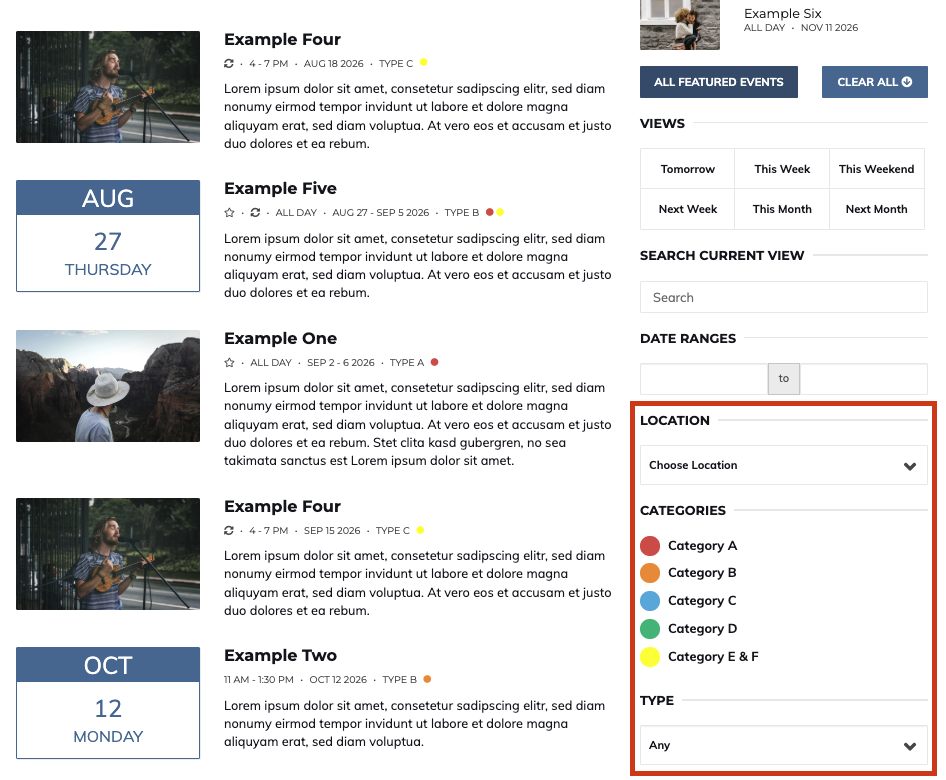
This field determines how the filter behaves on the Events Listing Index page. If you choose Multi-Select, visitors can select multiple values to filter events simultaneously. If you choose Single Select Dropdown, visitors can only filter by one value at a time.
This field is tied to the previous field option and determines whether content creators are required to select a value for this filter when creating a new event, or whether it can be left blank. In the example column, Topic Filter is marked as required, meaning creators must select at least one value before the event can be saved.
This is where you list the values that will be available for content creators to choose from when creating an event. Depending on whether the filter is set to Single Dropdown or Multi-Select, creators will be able to assign one or more of these values to each event.
This field determines whether the filter appears in the sidebar of your Events Listing page, giving visitors the ability to use it when browsing for events. If you select No, the filter will function as an internal categorization tool only and the remaining fields in rows D through F do not need to be completed.
If you select Yes to the question above, please also provide the name you'd like displayed to visitors, if it should differ from the filter name.
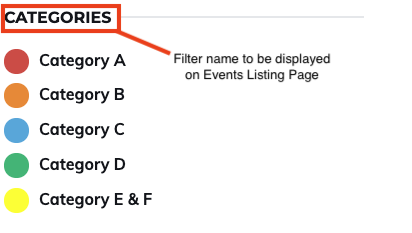
If you decide that you do want the filter displayed on your Events Listing Index page there are several field display types that you can select from:
1. Multiselect Checkbox (list of checkboxes)
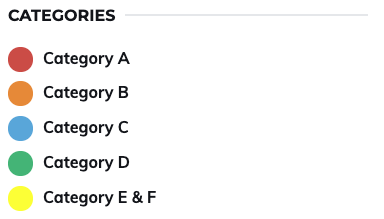
2. Multiselect Checkbox Dropdown
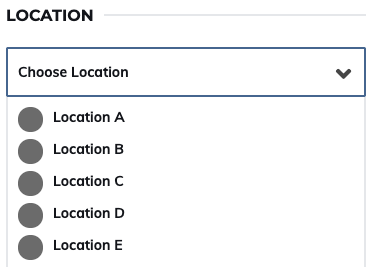
3. Single Select Dropdown
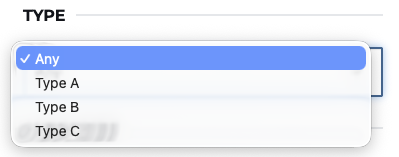
If the above filter is set to dropdown, please provide the placeholder text that should appear before a visitor makes a selection. Common options include "Select," "Any," or "All."
1. no
2. yes, as text
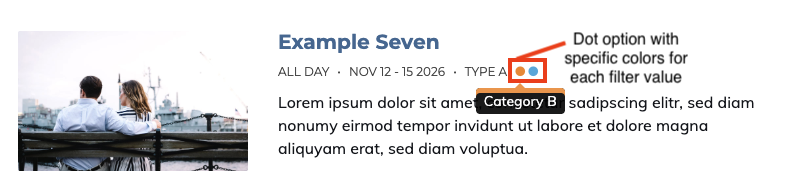
3. yes, as dots
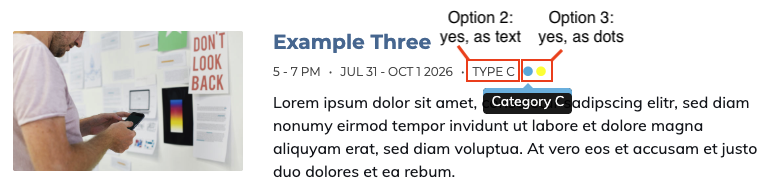
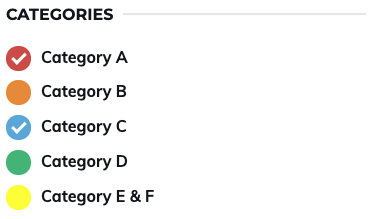
This field is only required if you selected "Yes as dots" in the Show on Events List field. If so, please provide a specific color for each filter value that will be displayed as a dot, either as a hex code (e.g., #000000) or RGB value (e.g., rgb(0,0,0)).